Crop JPG Images
Easily crop your JPG photos online. Perfect for social media posts and profile pictures. Fast, free, and 100% secure. Your files never leave your browser.
Select a file
or drag and drop
PNG, JPG, WEBP up to 49MB
Preview
Controls
Aspect Ratio
How to Crop JPGs
Crop your photos in seconds.
1. Upload JPG
Select your JPG or JPEG photo.
2. Select Area
Choose the part of the photo you want to keep.
3. Download
Save your perfectly cropped JPG.
Why Use Our JPG Cropper?
Fast & Easy
Crop large JPG photos instantly without uploading.
Secure Processing
Your personal photos stay on your device.
High Quality
Maintain the original quality of your photos.
Social Ready
Presets for Instagram, Facebook, and Twitter.
Free
No cost, no sign-up required.
Mobile Friendly
Crop photos on the go with your phone.
Cropping JPG Photos
Why Crop JPGs?
JPG (also known as JPEG) is the most common and universally recognized format for digital photography (learn more in our format comparison guide). Because cameras capture a wide field of view, photos often capture more than you originally intended. Cropping allows you to re-frame the shot, remove unwanted background elements, and focus entirely on the main subject, turning a good photo into a great one. Additionally, by removing extraneous data from the edges of an image, you inherently reduce the file size, making the photograph easier to share and quicker to upload.
Perfect for Social Media
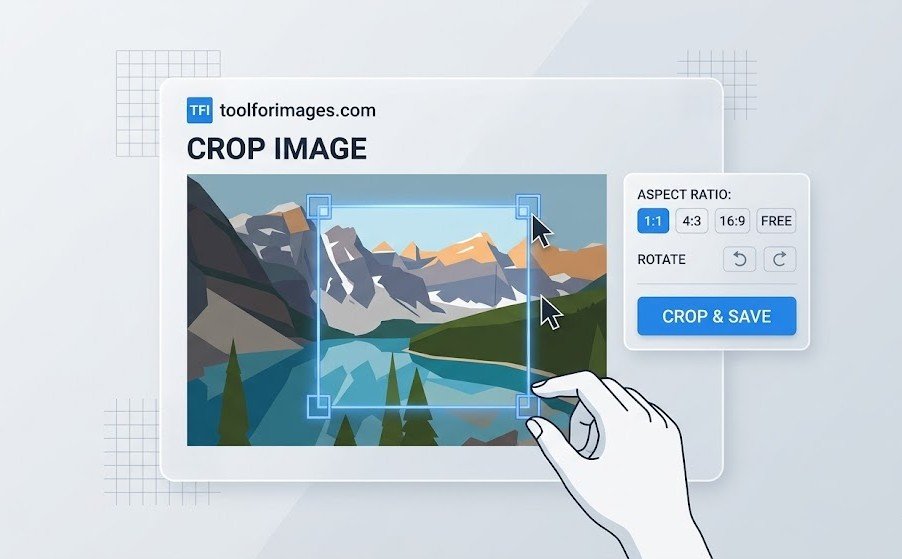
Different social media platforms require different aspect ratios for optimal display. For example, you need a square 1:1 ratio for standard Instagram posts, a vertical 9:16 ratio for Instagram Stories or TikTok, and a wide 16:9 ratio for Twitter posts and YouTube thumbnails. Our dedicated online JPG cropper tool makes it incredibly easy to crop your JPGs to the exact dimensions needed for your various profiles and posts without needing to install complicated software.
Maintaining JPG Quality
Because JPG is a lossy compression format, repeatedly saving and editing a file can degrade its quality over time. That is why our tool is specifically engineered to perform the crop in the browser flawlessly. Once you select your crop area, the tool generates a new image file instantly, preserving maximum sharpness and fidelity relative to your original file.
Frequently Asked Questions
Common questions about cropping JPG files.
Can I crop high-resolution photos?
Yes, our tool handles high-resolution JPG photos efficiently. Since processing happens in your browser, you don't need to wait for large files to upload, making it fast and easy to crop large photos.
Is JPG the same as JPEG?
Yes, JPG and JPEG are the same file format. The difference in extension dates back to older Windows systems that only supported 3-letter extensions. Our tool supports both .jpg and .jpeg files equally.
Is it secure?
Yes. Your photos are processed in your browser. We do not upload or store your images.
Is it free?
Yes, our JPG cropper is completely free to use.