Crop WebP Images
Crop modern WebP images online. Optimize your web graphics with precise cropping. Fast, free, and 100% secure. Your files never leave your browser.
Select a file
or drag and drop
PNG, JPG, WEBP up to 49MB
Preview
Controls
Aspect Ratio
How to Crop WebP
Crop your WebP files in 3 easy steps.
1. Upload WebP
Upload your WebP image file.
2. Select Area
Adjust the crop box to your liking.
3. Download
Get your optimized WebP image.
WebP Cropper Features
Modern Format
Fully supports the modern WebP format for better web performance.
Secure
Client-side processing ensures your data is safe.
High Quality
Crop without losing the efficiency of WebP compression.
Aspect Ratios
Use presets or free crop for custom dimensions.
Free
No hidden costs or subscriptions.
Responsive
Works on all devices and screen sizes.
Cropping WebP Images
Why Use WebP?
WebP is an advanced, modern image format developed by Google specifically engineered to provide superior lossless and lossy compression for images on the web. According to various benchmarks (as discussed in our WebP vs PNG vs JPG guide), WebP lossless images are 26% smaller in size compared to PNGs, while WebP lossy images are consistently 25-34% smaller than comparable JPEG images. By adopting the WebP format, web developers, content creators, and webmasters can create significantly smaller, richer images that accelerate page load times and lower bandwidth usage without degrading visual fidelity.
Optimizing with Cropping
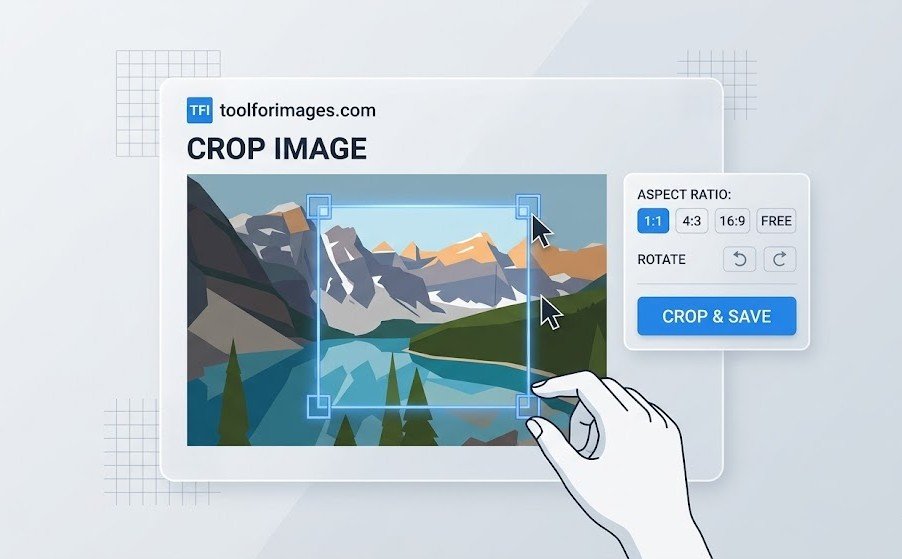
Although WebP features incredible compression capabilities out of the box, unnecessary background pixels still contribute to the overall file size and can hurt your website's performance metrics (like Largest Contentful Paint). Cropping allows you to manually remove these extraneous outer pixels from the photograph or graphic. By combining WebP's state-of-the-art compression algorithm with strategic cropping, you can radically optimize your website's media assets, ensuring blazing fast load times and an improved user experience for your mobile visitors.
Native Browser Support
Our tool operates natively within the browser using built-in HTML5 Canvas APIs, making it fully compatible with WebP files. You do not need to convert your WebP file to a JPEG or PNG prior to editing. Simply upload your WebP, crop exactly the area you want, and save it directly out again with total ease.
Frequently Asked Questions
Common questions about cropping WebP files.
Why use WebP?
WebP is a modern image format that provides superior compression for images on the web. It allows for smaller file sizes compared to PNG and JPG while maintaining high quality, which helps your website load faster.
Does this tool support animated WebP?
Currently, our tool focuses on cropping static WebP images. If you upload an animated WebP, it will likely crop the first frame. We are working on support for animated formats in future updates.
Is it secure?
Yes. Your WebP images are processed in your browser. We do not upload or store your images.
Is it free?
Yes, our WebP cropper is completely free to use.