Crop PNG Images
Crop your PNG files online while preserving transparency. Fast, free, and 100% secure. Your files never leave your browser.
Select a file
or drag and drop
PNG, JPG, WEBP up to 49MB
Preview
Controls
Aspect Ratio
How to Crop PNGs
Easily crop your transparent images.
1. Upload PNG
Select your PNG image to get started.
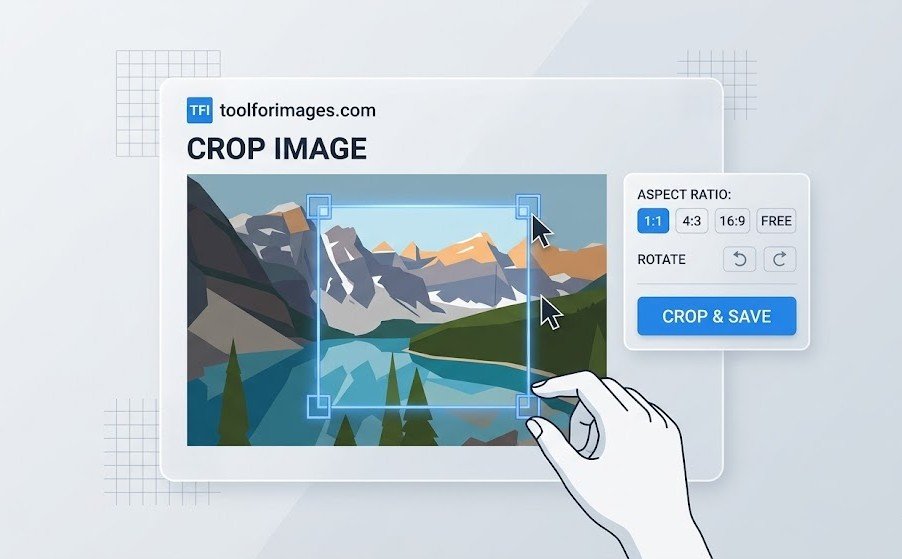
2. Adjust Crop
Use the handles to define the new image boundaries.
3. Save
Download your cropped PNG with transparency intact.
Best PNG Cropper Features
Transparency Safe
We guarantee that your transparent backgrounds will remain transparent.
Private & Secure
Cropping happens on your device. No uploads needed.
Lossless Quality
Crop without re-compressing or losing image details.
Fixed Ratios
Easily crop to standard aspect ratios like 1:1, 4:3, or 16:9.
Unlimited
Crop as many PNGs as you need for free.
Mobile Ready
Crop images directly on your smartphone or tablet.
Cropping PNG Images
Why Crop PNGs?
The Portable Network Graphics (PNG) format is commonly used for logos, icons, digital art, and other graphics that feature transparent backgrounds. Sometimes, when these images are generated or downloaded, they have an excessive amount of blank, empty space padding the subject (which is one reason why PNG files can be so huge). Cropping removes this unnecessary "dead space." A tighter crop ensures that the image aligns correctly within web page layouts, presentations, or word documents without invisible borders pushing other elements out of alignment.
Preserving Crucial Alpha Transparency
One of the biggest concerns for web developers and graphic designers when editing PNG files is accidentally losing the alpha channel (transparency). Many basic or outdated image editors automatically replace transparent background areas with a solid white or black block upon saving. Our high-performance cropping tool is specifically engineered using modern browser capabilities to respect the alpha channel entirely. This ensures your newly cropped image remains perfectly transparent and looks exactly as intended when layered over other background colors or images on your site.
Lossless Precision
Unlike JPGs, PNGs utilize lossless compression, meaning no image data is discarded to save space. Our tool honors this format's integrity. When you crop a PNG graphic using our service, the remaining pixels are kept 100% intact, guaranteeing that text, sharp edges, and solid color blocks remain crisp and completely free of compression artifacts.
Frequently Asked Questions
Common questions about cropping PNG files.
Will I lose transparency?
No! When you crop a PNG image with our tool, the transparency is fully preserved. You can crop out empty space or focus on a specific part of the image without worrying about losing the transparent background.
What is PNG best for?
PNG is ideal for graphics, logos, and images with text or sharp edges. It supports lossless compression, meaning no quality is lost when saving, unlike JPG which can introduce artifacts.
Is it secure?
Yes. Your PNGs are processed in your browser. We do not upload or store your images.
Is it free?
Yes, our PNG cropper is completely free to use.